Scheduler History
The Scheduler History page lets you review past Scheduler activity across your different Environments.
On the main screen, you'll find a set of buttons to filter the history by time periods. For example, last hour, yesterday, or last week. The All button on the far right lets you also limit the view to specific Configs you want to investigate.
Use the Failed Only toggle to quickly filter down to Scheduler Jobs that encountered errors.
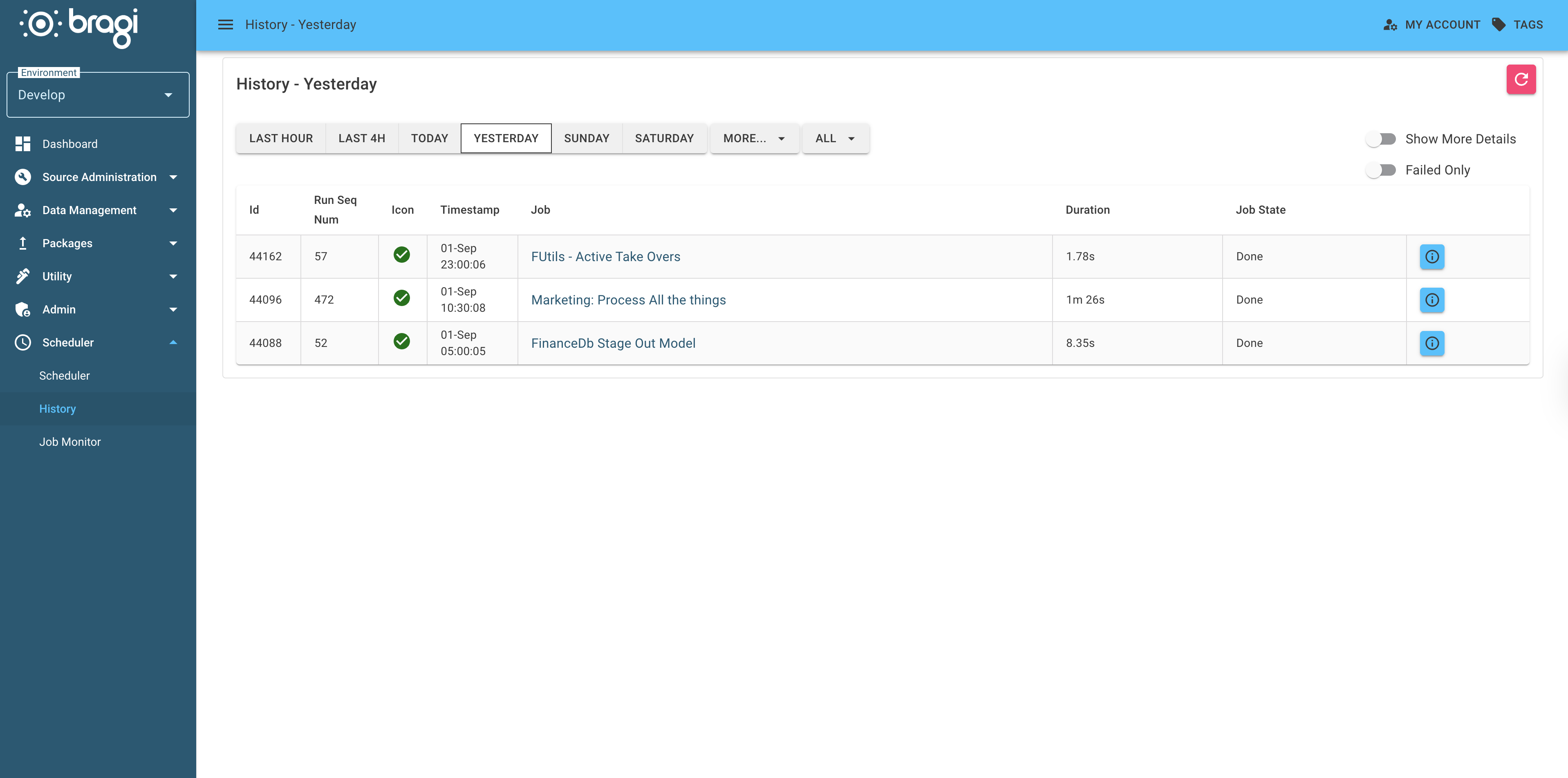
Click the information button on any row to open a detailed modal with in-depth information about that Job’s execution.
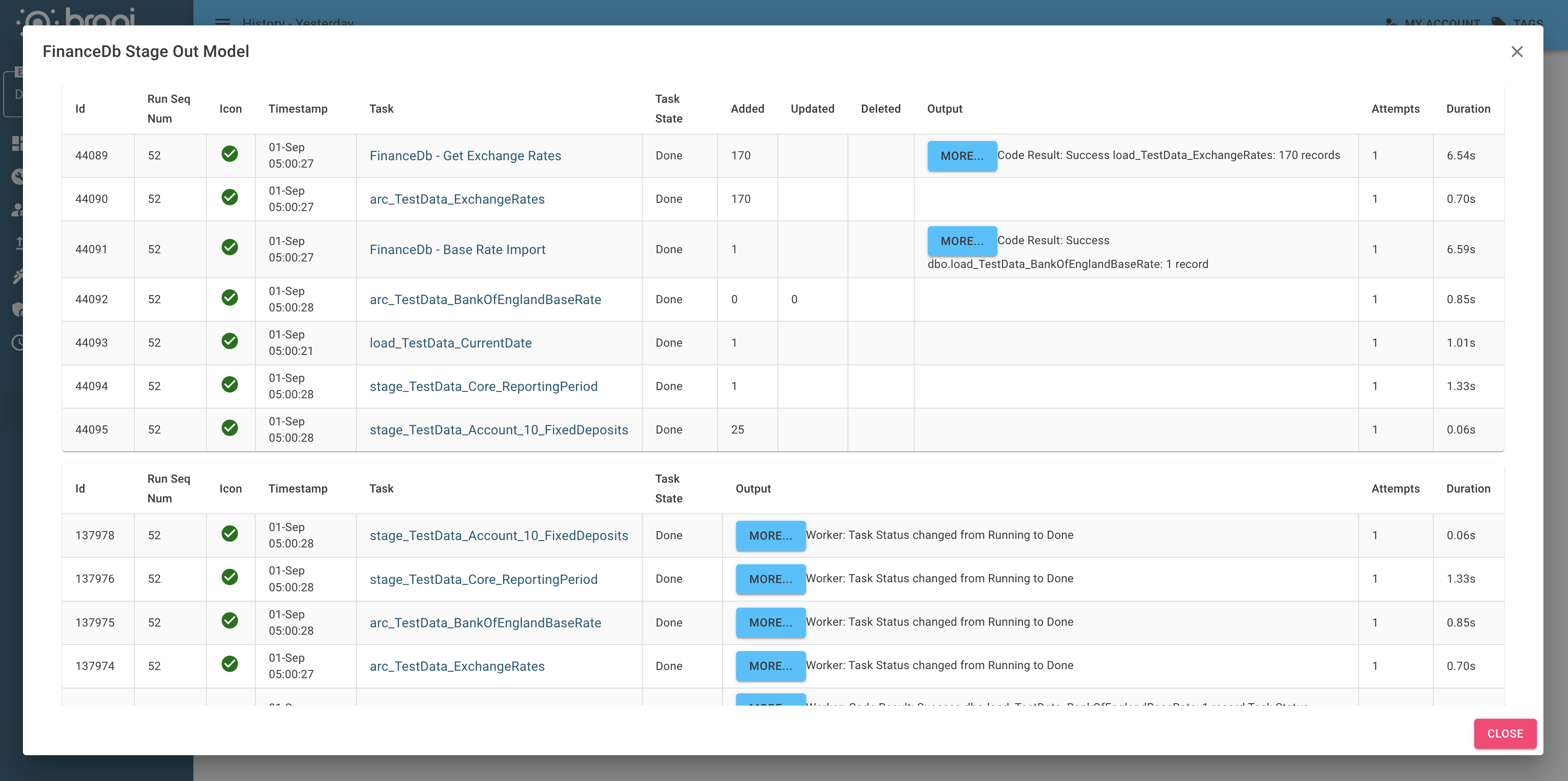
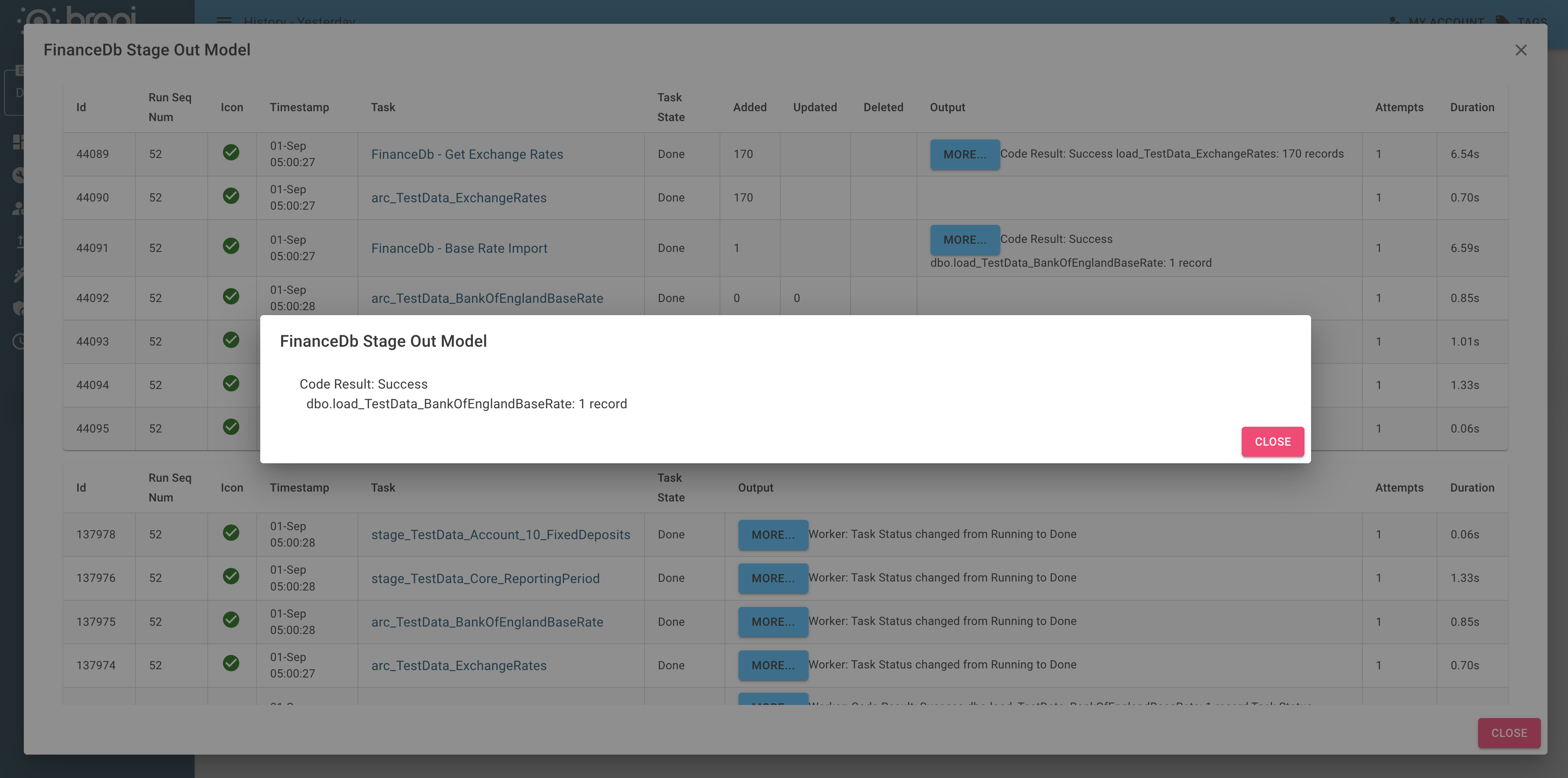
Within this modal, the Show More Details toggle reveals additional logs and status info for deeper troubleshooting.
09 March 2026