Load Data from Externally Populated
An Externally Populated Load lets you bring a table into Bragi’s data model without Bragi being responsible for loading the data into it.
Instead, you manage the logic for populating the table. Bragi simply picks it up and integrates it into your pipelines.
This is especially useful when:
You’re loading data from external systems or scripts outside of Bragi
You want to integrate legacy data loads into your Bragi pipelines
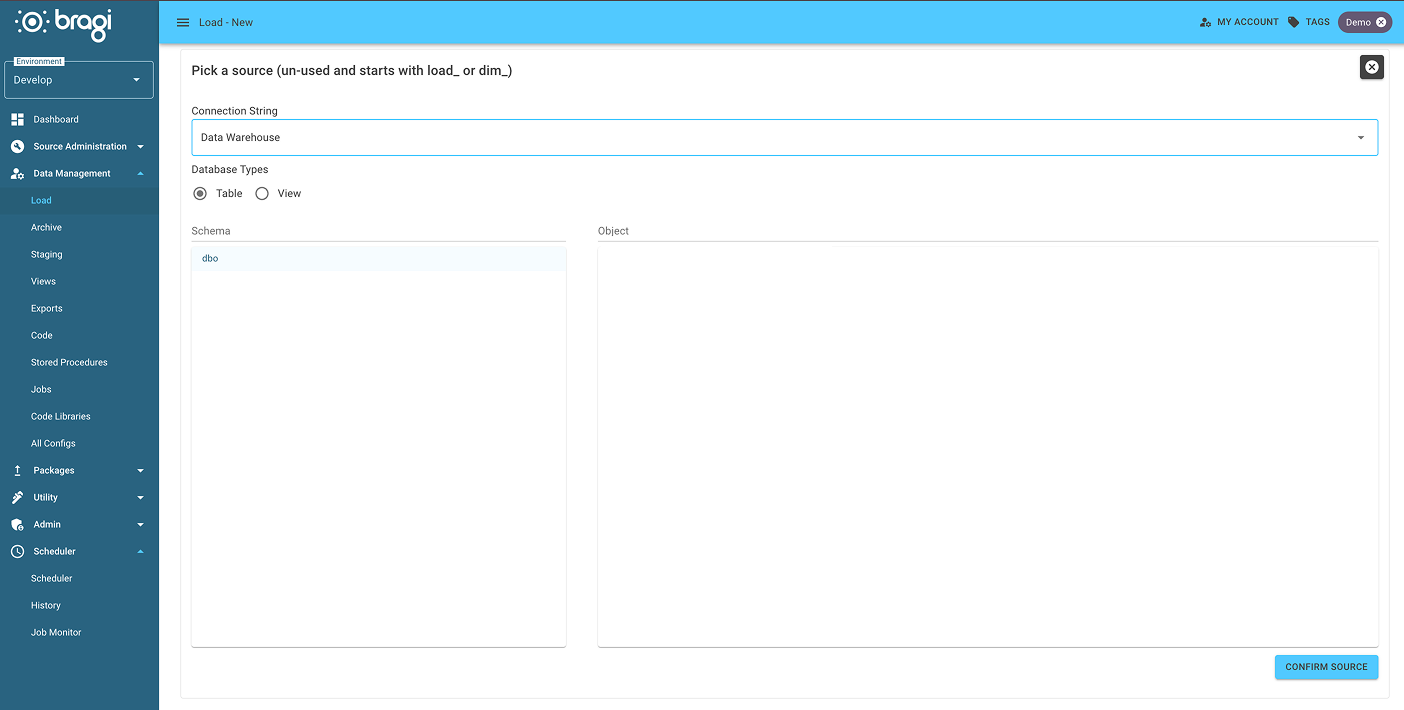
Step 1: Choose the table
The table must already exist in your warehouse and follow Bragi’s naming convention. It should start with load_ or dim_. This tells Bragi it's meant to act like a standard Load or Dimension table.
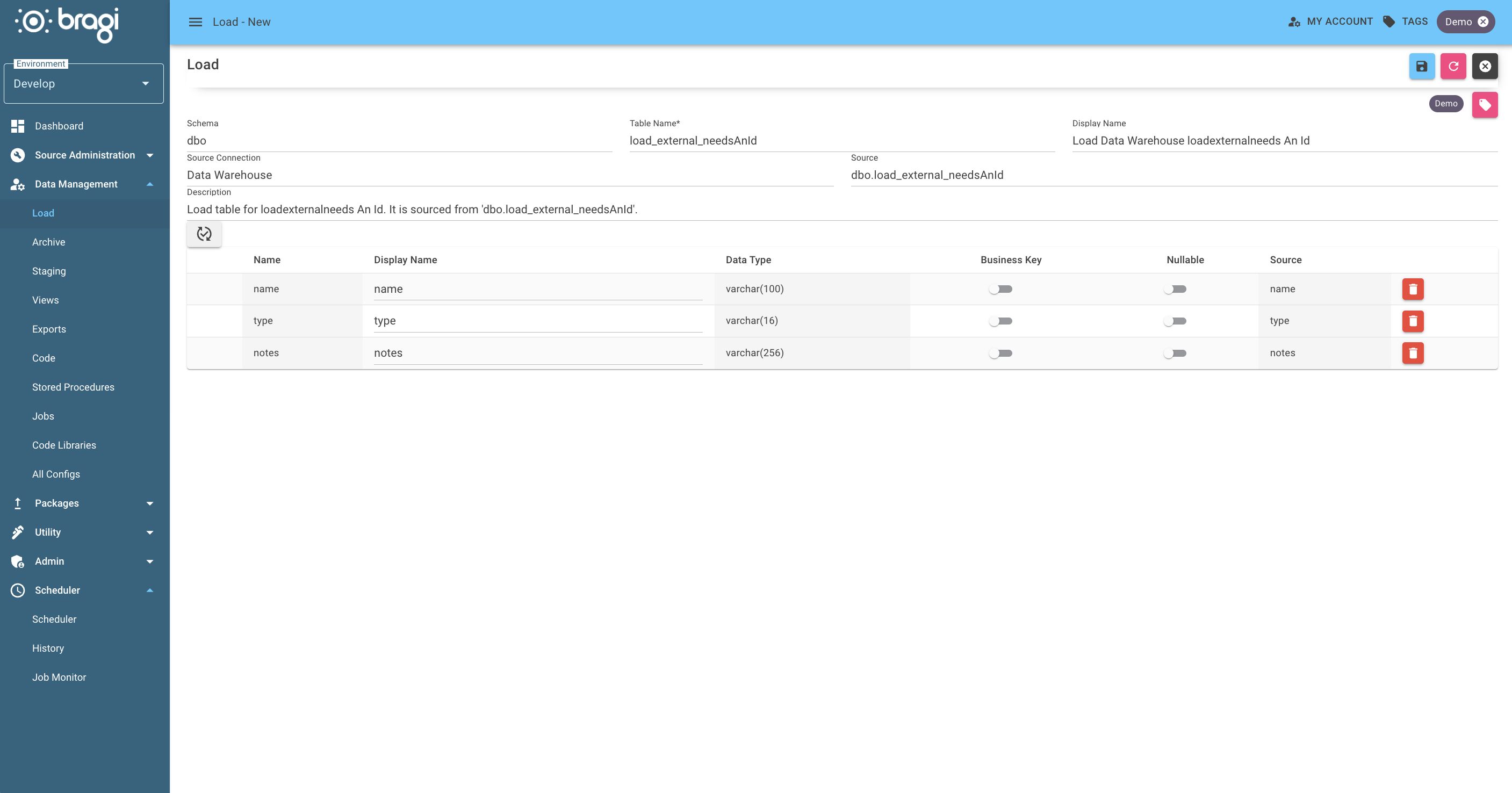
Step 2: Set the metadata
Field | Description |
|---|---|
Display Name | A friendlier name for the Load, shown in the Bragi interface. |
Description | Explain what this Load is doing and why it's externally managed instead of using Bragi’s built-in tools. Helpful for collaborators. |
Once the externally populated load is set up, Bragi will treat the table like any other load. You can build, transform and export it, but Bragi won’t touch the data or manage when or how it’s refreshed.