Group Management
The Group Management area lets you edit and delete Groups, providing a clear overview of each Group’s usage, including when it was last used and how many tables it contains.

Roles and Permissions
To control which users can view, edit, or approve items within a Group, see the section on Assigning Roles.
Create New Group
Create new Groups by clicking the “New Group” button in the top right corner of the page.
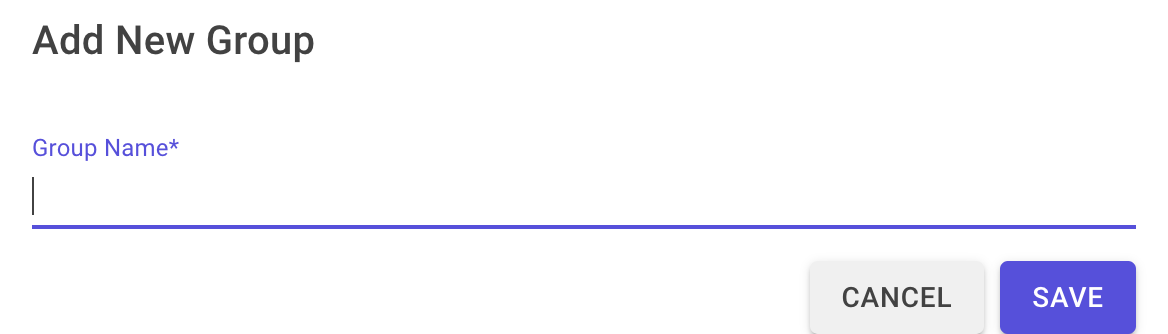
This opens a popup where you enter the Group name and click Save.
You can also create new Groups when adding a table to the Dashboard. For details, see Add Table to Dashboard.
Edit Group
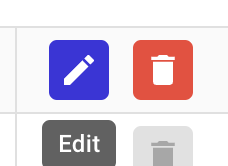
To edit a Group, click the Edit button next to it.
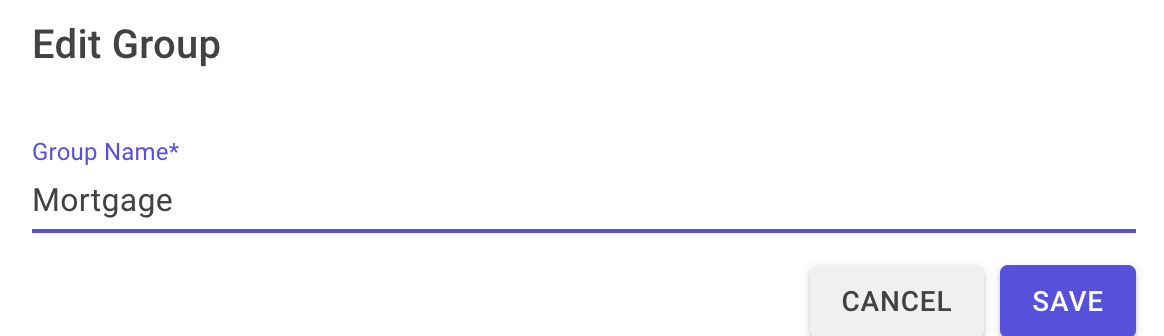
This opens a modal where you can change the Group name.
Delete Group
Groups can be deleted using the Delete button.
09 March 2026