Deployment Packages
The Deployment Packages area displays the deployment packages you have created in the Meta Compare screen.
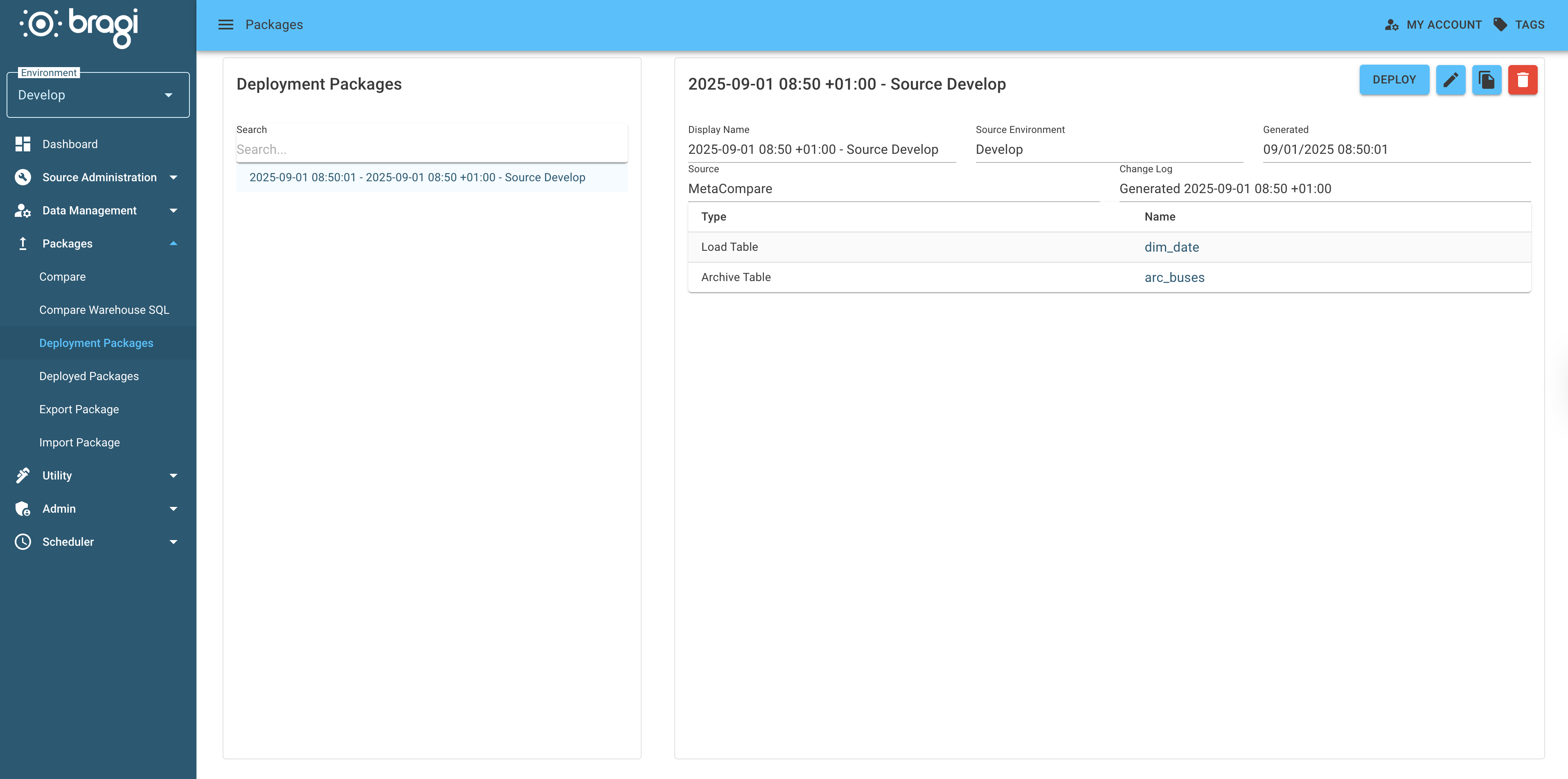
Clicking the Deploy button here does not immediately start the deployment. Instead, it takes you to the next screen where you can review the deployment details.
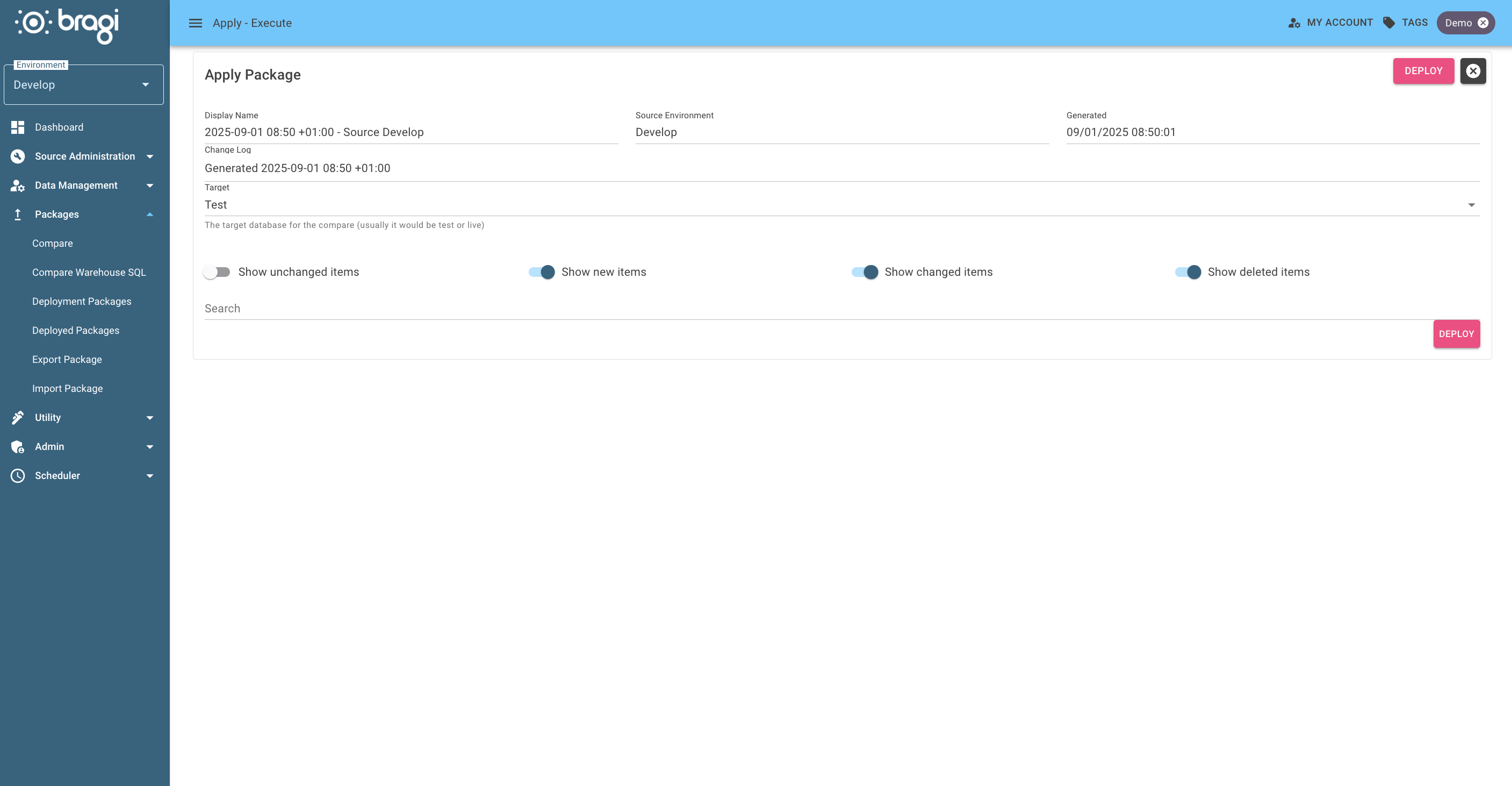
Each package records the target environment it was built for (by environment code) when it is generated from a Compare, so the review screen already knows where the package deploys to. A target environment picker only appears for packages created before this was recorded; saving such a package again records the target so it is not asked for next time.
If you are satisfied with the deployment information on this screen, click the Deploy button again to start the deployment process.
The final screen shows whether the deployment was a Success or Failure, along with any issues that require your attention.
To review past deployments, navigate to Deployed Packages under the Packages menu, where you can access historic deployment details.