App Instances
The App Instances screen provides an overview and management interface for all Bragi application instances within your environment.
It lets you monitor status, configure settings, and maintain multiple deployments of the Bragi WebApp and associated components.
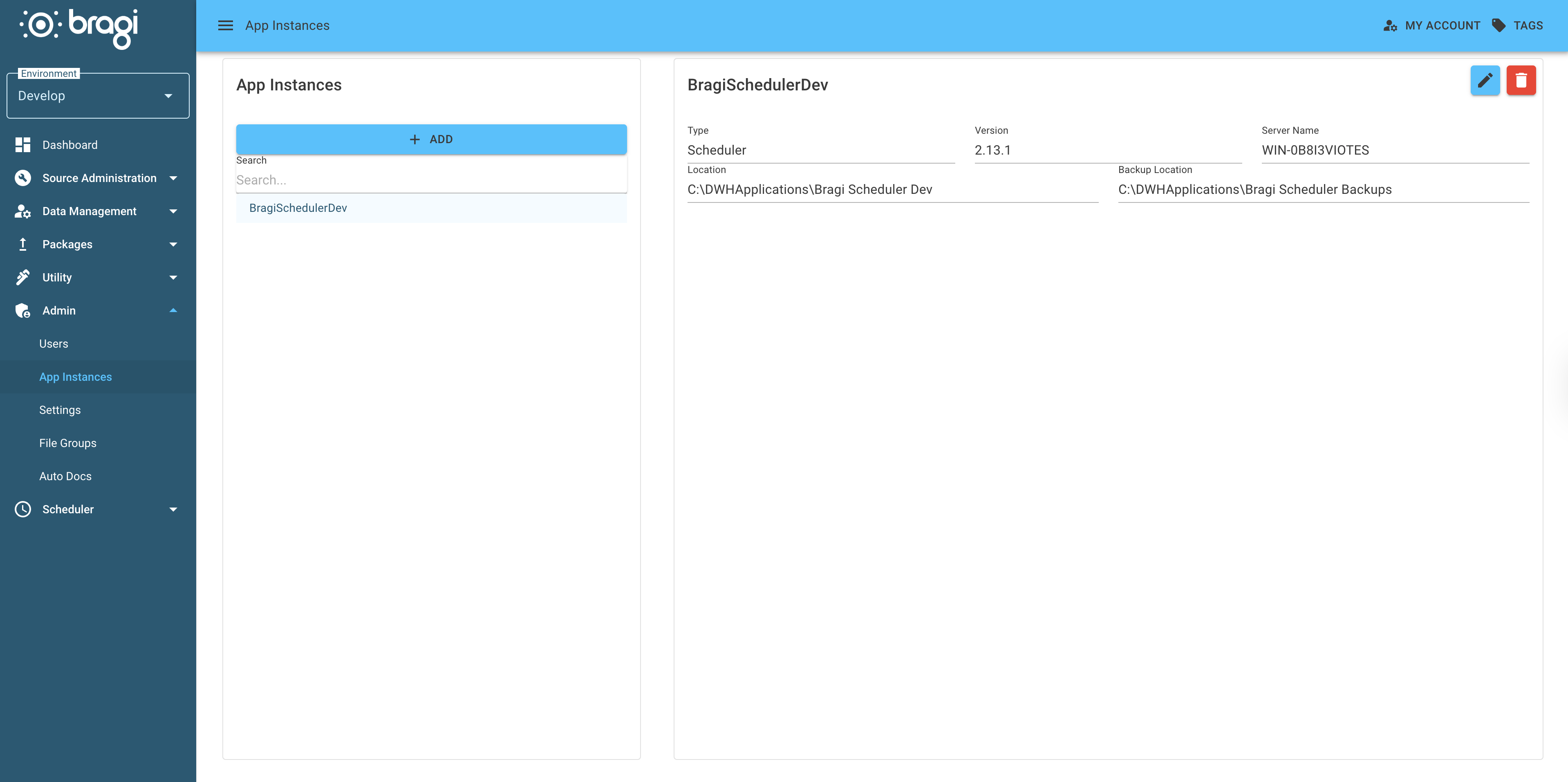
Adding a new application instance
To register a new instance:
Select Add from the left-hand panel.
Complete the required fields on the form.
Save to commit the new configuration.
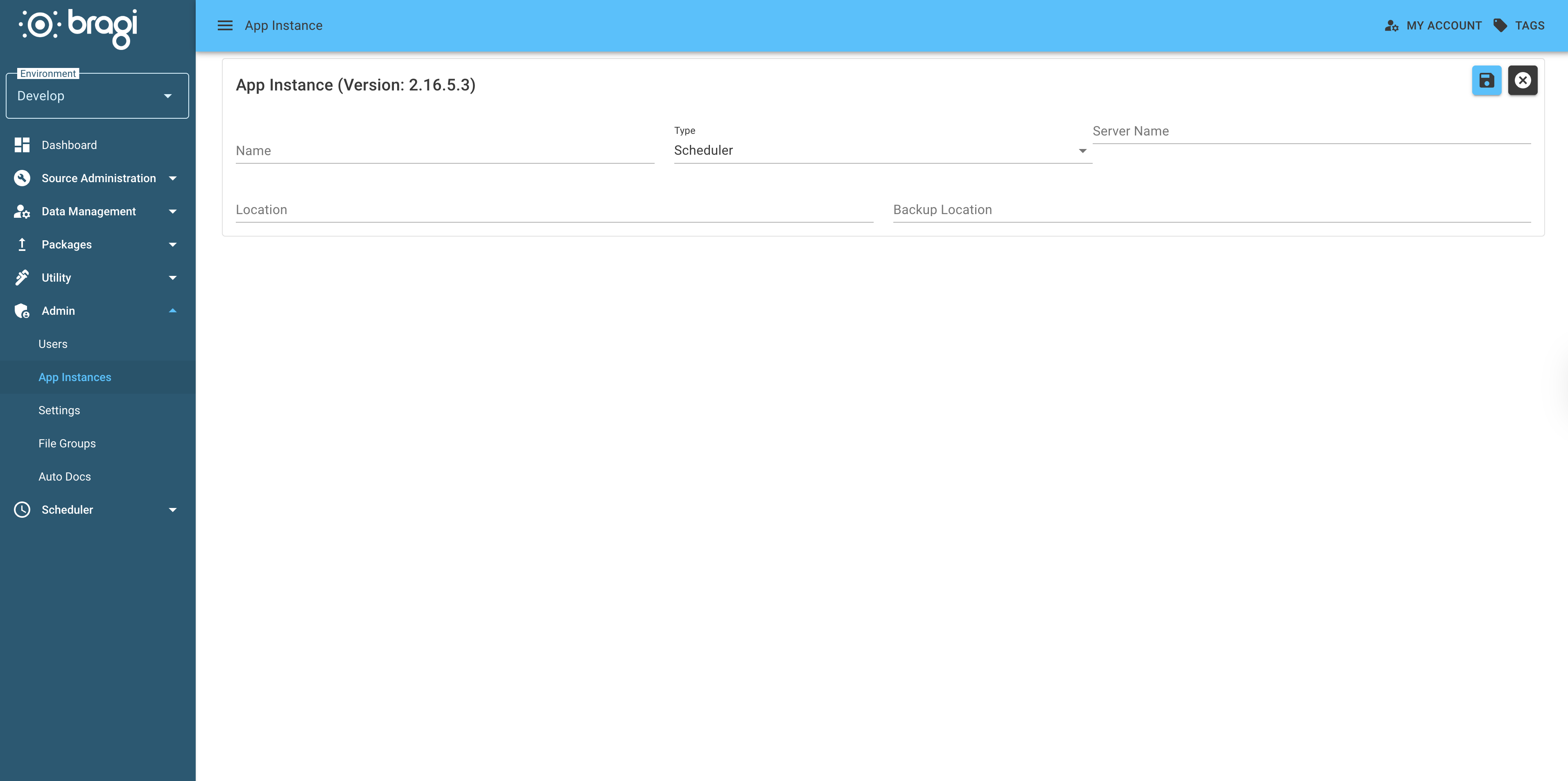
Field | Description |
|---|---|
Name | A short, descriptive identifier for the instance. |
Type | The component type being deployed, such as WebApp, Scheduler, or API Service. |
Server Name | Hostname or machine identifier where the instance is running. |
Location | Absolute filesystem path to the installation directory. |
Backup Location | Filesystem path or storage bucket where backups are written. Critical for disaster recovery and migration purposes. Ensure this path is both accessible and regularly verified. |