Stored Procedures
Stored Procedure Configs let you call an existing Stored Procedure in a Source Connection String.
First, you’ll be prompted to select the Connection String to use and the Stored Procedure you want to call. Bragi will then look up any parameters required and give you an interface to set the values you need.
Key Fields
Field | Description |
|---|---|
Name | Name of the Stored Procedure in the Source.. |
Display Name | A more user-friendly name for the Stored Procedure in Bragi. |
Description | Explains the purpose of the Stored Procedure, useful for ayone editing it later. |
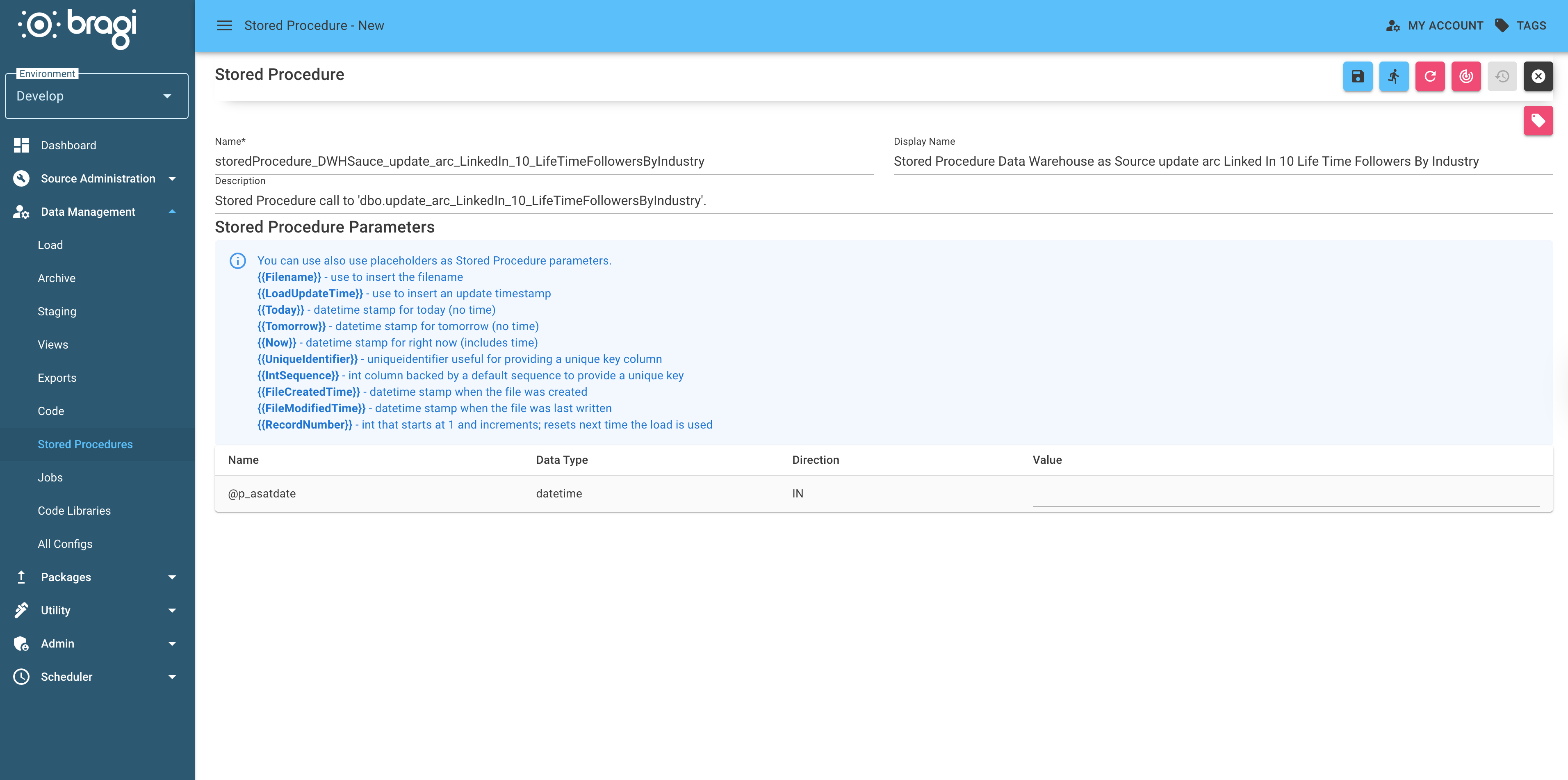
Setting Parameter Values
Fill in the values for the Stored Procedures and your Connection String will be set up. Bragi also supports a variety of placeholders you can use in a column’s Default value. These will be dynamically populated when the Stored Procedure runs:
Placeholder | Description |
|---|---|
| Inserts the filename. |
| Inserts an update timestamp. |
| Datetime stamp for today (no time). |
| Datetime stamp for tomorrow (no time). |
| Datetime stamp for right now (includes time) |
| Generates a unique identifier for a key column. |
| Integer sequence for a unique key column. |
| Datetime stamp when the file was created. |
| Datetime stamp when the file was last modified. |
| Integer starting at 1 and incrementing; resets for each new load. |
| A SQL NULL, whatever the parameter's data type. |