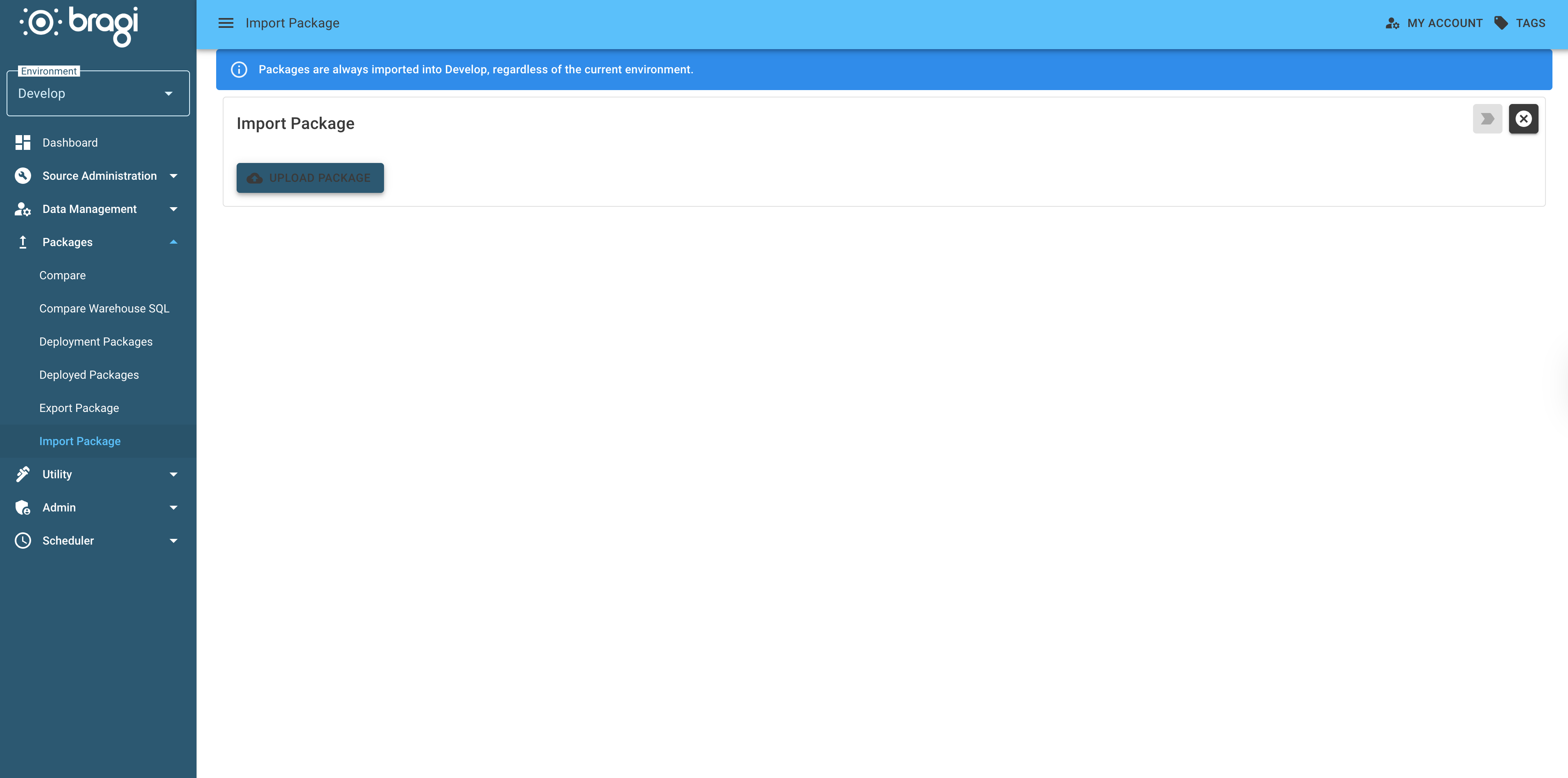
Import Package
Packages (.bra files) allow you to import Bragi objects from other instances into your own Bragi environment.
What is Package Import?
Package import lets you bring in Bragi objects that were exported from another instance. This is useful for sharing standardised models across multiple environments or organisations.
Many industries have common models. For example, financial businesses often require FATCA/CRS reporting models. Bragi lets you download ready-to-use templates.
How to Import a Package
In Bragi, open the Deployments menu and select Import Package.
Click Upload Package and choose the
.brafile to import.The interface displays all objects included in the package.
Select the specific objects you want to import.
For some objects, you will need to configure Rebindings (e.g., Connection Strings, File Sources, File Groups) because these settings are environment-specific and not included in the package.
Click the Import button (top-right) to start the import process.
You will receive a success or failure notification once complete.
If the import modifies existing Archives structurally, you may be prompted to run manual SQL scripts.