Filegroups
Bragi lets you manage how your SQL Server stores different kinds of data by organising database objects into filegroups. This gives you control over where tables, indexes, and other items are placed, which matters for performance and storage management.
Filegroup Setup
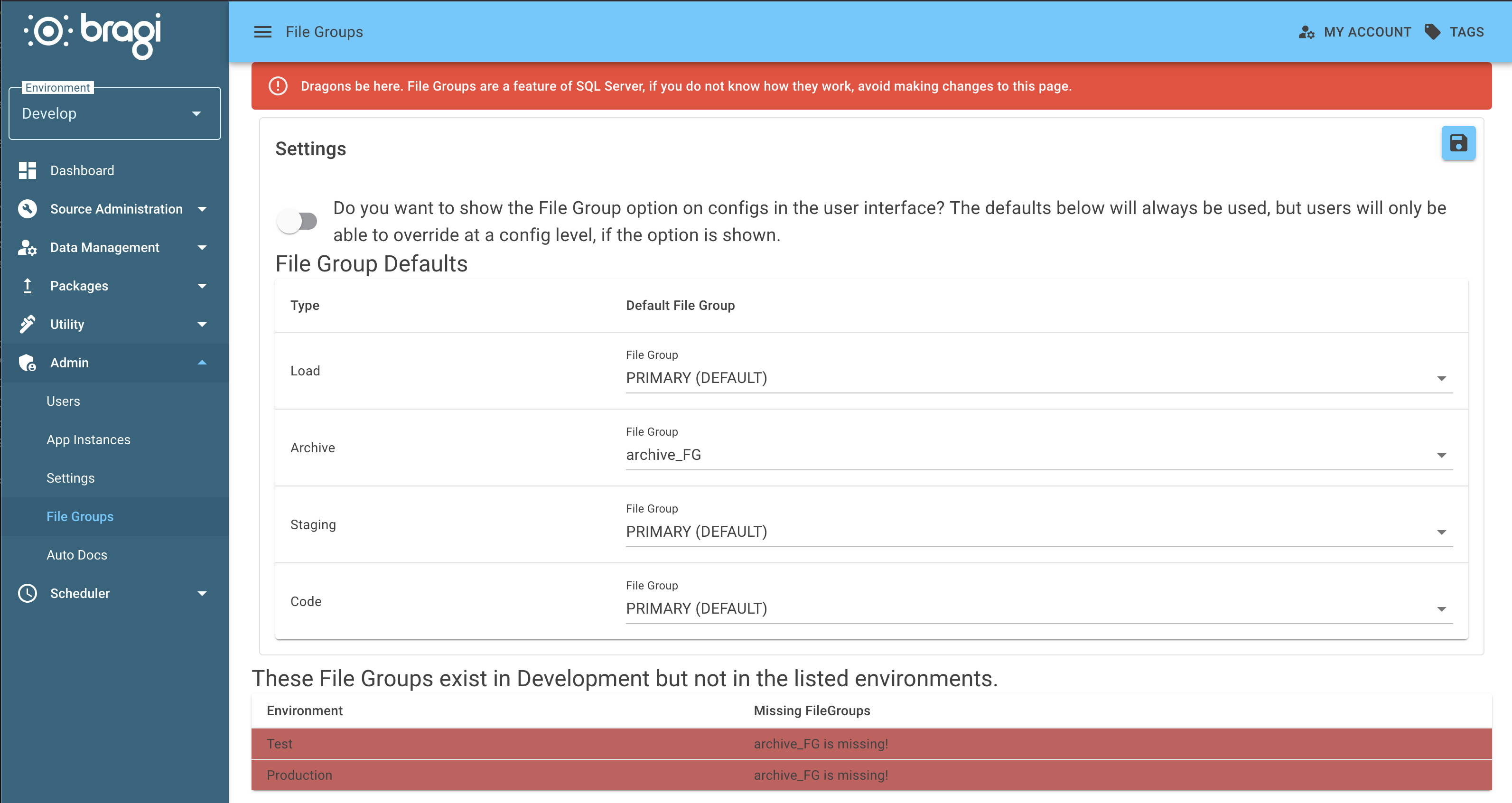
Filegroup Selection
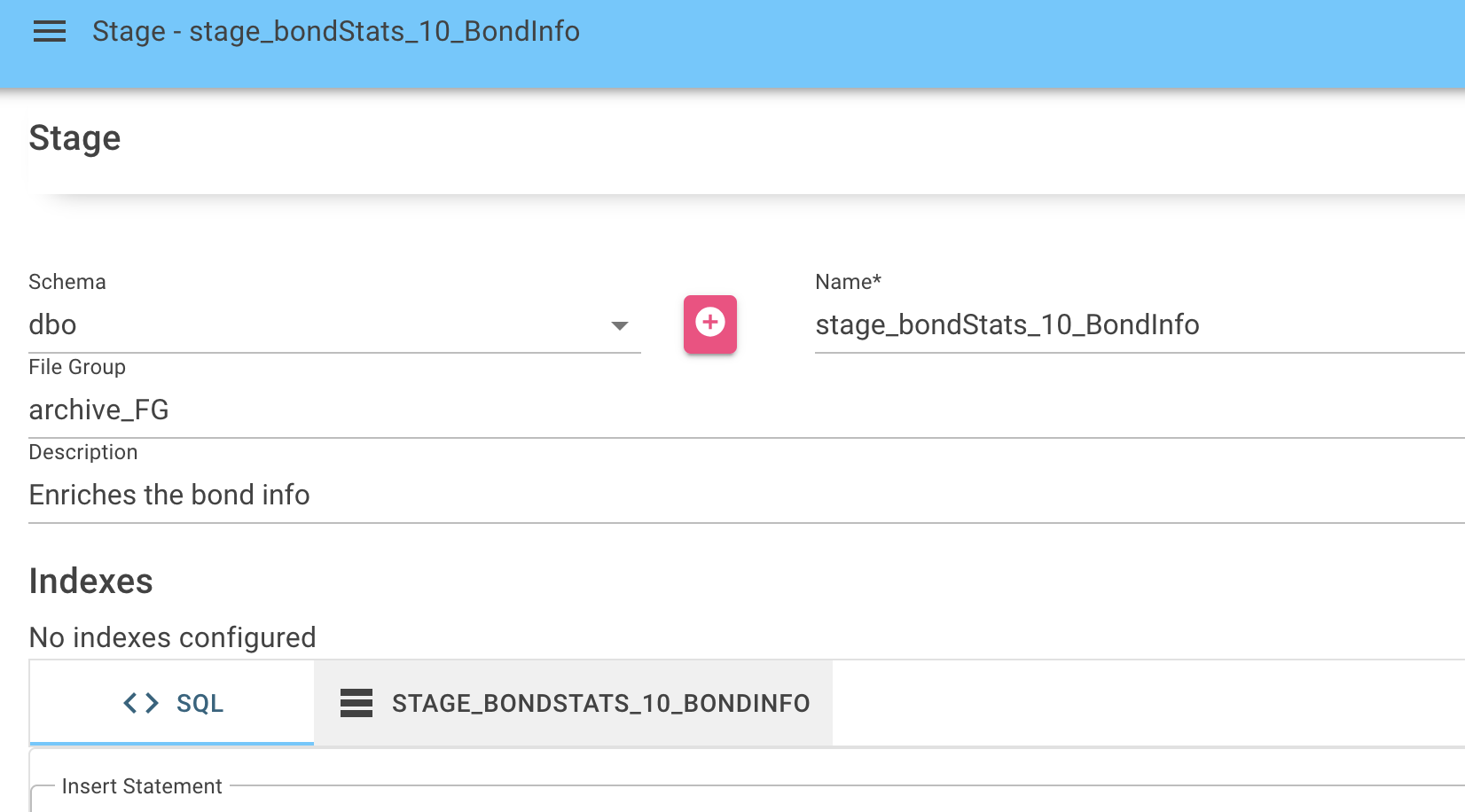
When you edit a data management item (Load, Archive, Stage, etc.), you’ll see a Filegroup dropdown. Just select the right filegroup for your task and Bragi will make sure SQL objects go to that location.
Best Practices
Use clear names and add descriptions so everyone knows the intended use.
Make sure the filegroup exists in your target SQL Server, otherwise, deployment will fail.
Review filegroups regularly and remove any that aren’t needed.
09 March 2026