Data Dump
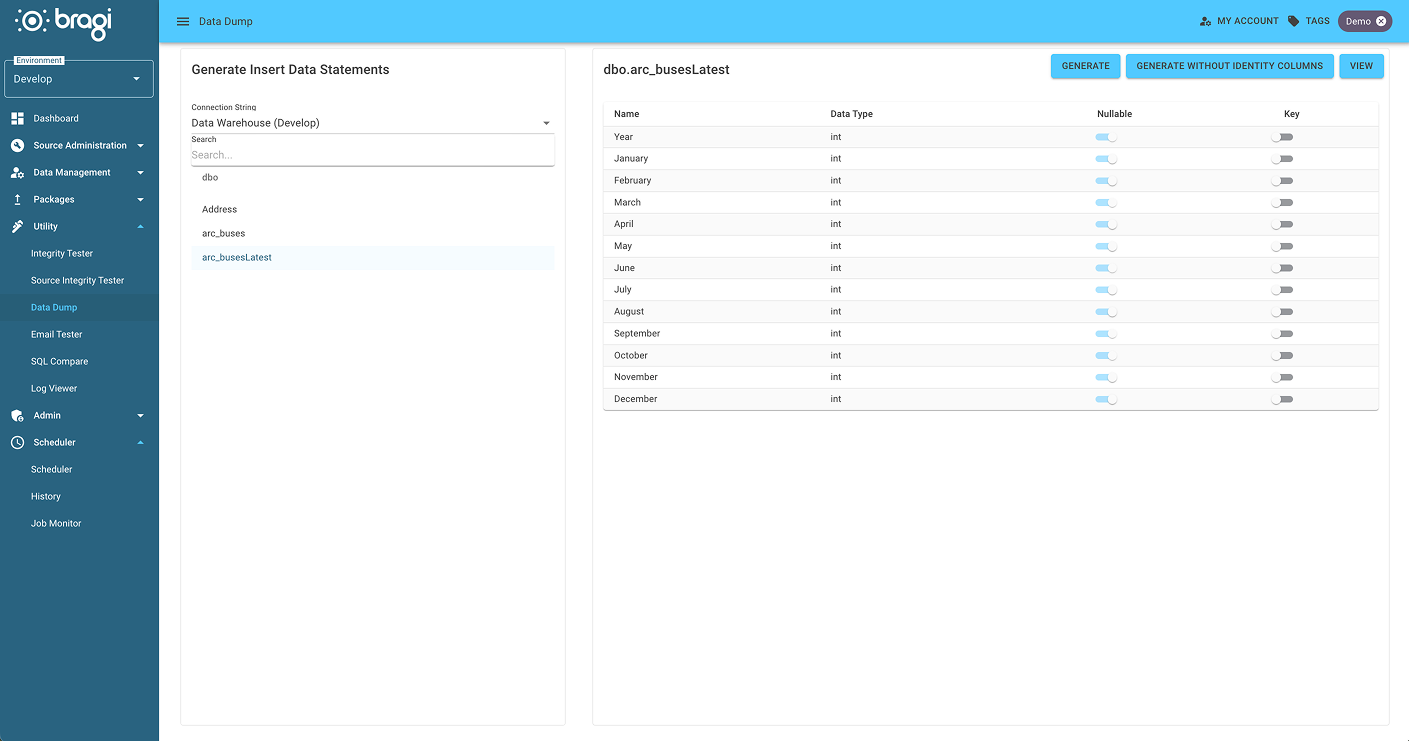
The Data Dump screen enables you to view or export data from your database by selecting a Connection String and choosing a specific table or view.
To generate SQL insert scripts for the selected table or view data:
Select the desired connection string.
Choose the table or view from the list.
Click the Generate button to create SQL insert scripts for all the data.
Additionally, you have the option to generate scripts excluding identity columns if needed.
09 March 2026